Inventory and POS
Bring sales, purchasing, stock movements and inventory reviews together.
7 capabilities
Business management platform
Prepare quotations, track invoices and recorded payments, and give your team clear responsibilities in one business workspace.
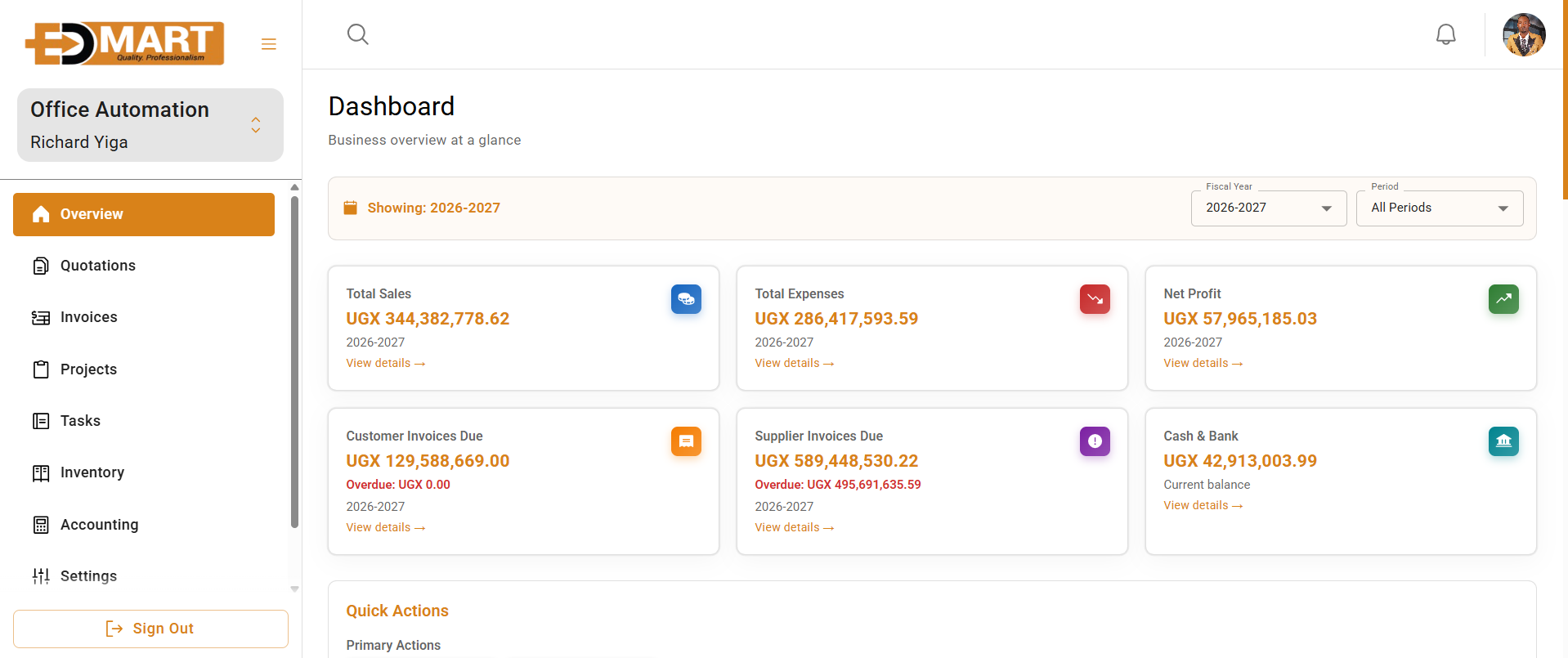
Six modules for your records, daily work and team.
A product of Edmart Systems (U) LimitedExplore the modules
Bring sales, purchasing, stock movements and inventory reviews together.
7 capabilities
Follow invoices, recorded payments, credit/debit notes and outstanding balances.
5 capabilities
Review accounts, banking records, currencies, tax records and financial reports.
8 capabilities
Give tasks an owner and follow project costs, stock, documents and certificates.
6 capabilities
Organize accounts, permissions, departments, locations and workspace settings.
5 capabilities
Follow the work
Explore how related records fit together across modules.
Bring quotations, related invoices and financial records into a shared workspace, so your team has context at each step.
View invoicing featuresPut the details and pricing together.
Keep the related sale in context.
Review the accounting entries.
Workflow illustration · Steps depend on enabled modules and workspace setup.
Keep sales, stock movements and their financial records connected. Follow the work from the point of sale to your back office.
View inventory and POS featuresCapture the customer transaction.
Follow movements by location.
Review connected transactions.
Workflow illustration · Steps depend on enabled modules and workspace setup.
Bring project activities, materials, expenses and related invoices into the same picture, with records your team can follow.
View tasks and projects featuresGive the work a shared home.
Keep project costs in context.
Follow related financial records.
Workflow illustration · Steps depend on enabled modules and workspace setup.
Find your starting point
For shops and growing teams that need to follow sales, stock and customer documents throughout the day.
For organizations coordinating project records, finance and access across teams and working locations.
Create a workspace, complete your company and module settings, then add your team. The setup guide explains what to prepare.
Module pricing
Give everyday work an owner and keep progress in view.
View detailsBring project activities, costs and documents together.
View detailsPrepare professional proposals and follow each quotation.
View detailsKeep invoices, payments and financial records in context.
View detailsConnect counter sales with the stock behind them.
View detailsBefore you decide
The product covers inventory and POS, quotations, invoicing, accounting, tasks and projects, and team administration. The capability catalogue explains areas such as purchasing, banking records, tax records, project stock and reporting. Enabled modules, settings and plan inclusions need to match your organization's setup.
Start through the trial page or request a demonstration first. Workspace signup collects organization and administrator details, verifies the administrator's email address with a code and asks you to choose a plan. After setup completes, sign in at your organization's workspace address and use the application's Getting started checklist to review company and module settings.
Team and administration provides individual accounts, roles and permissions alongside departments, positions and workspace settings. Authorized people can review account status and assign access around the work each person does.
Request a demo and describe the processes, teams and records you want to explore. The next step is staff follow-up to discuss a demonstration. Sending a request does not book a meeting; a time still needs to be agreed.
Your next chapter
Tell us how you manage sales, stock, finance or projects so we can discuss what to cover in a demonstration.